
Put a page down. Hear it read.
SWAARA reads printed pages aloud in Sinhala and English.
3 people are waiting for SWAARA
Pharmacy label
Takeonetablettwicedailyaftermeals.
Demo: the highlight follows the spoken word.
Framing a page is the hard part
Reading starts with a good photo. Without sight, lining up the page is where it fails.
In one published study (Hong and Kacorri, 2024), 9 of 12 blind and low-vision participants found photo framing challenging (arXiv 2408.03303).
How SWAARA solves it
A fixed plate keeps every page in frame, and you control it all by voice.
How it works
Place the page
Slide it into the corner.
Press the button
One big button starts reading.
Listen
A natural voice reads aloud.
Key features
Screens from the app prototype
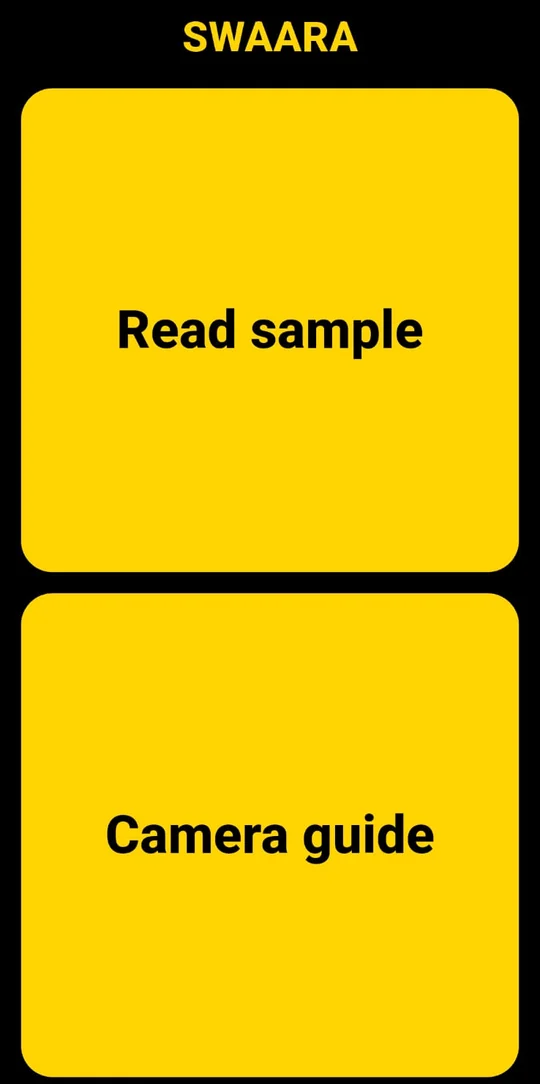
Home: two big buttons. 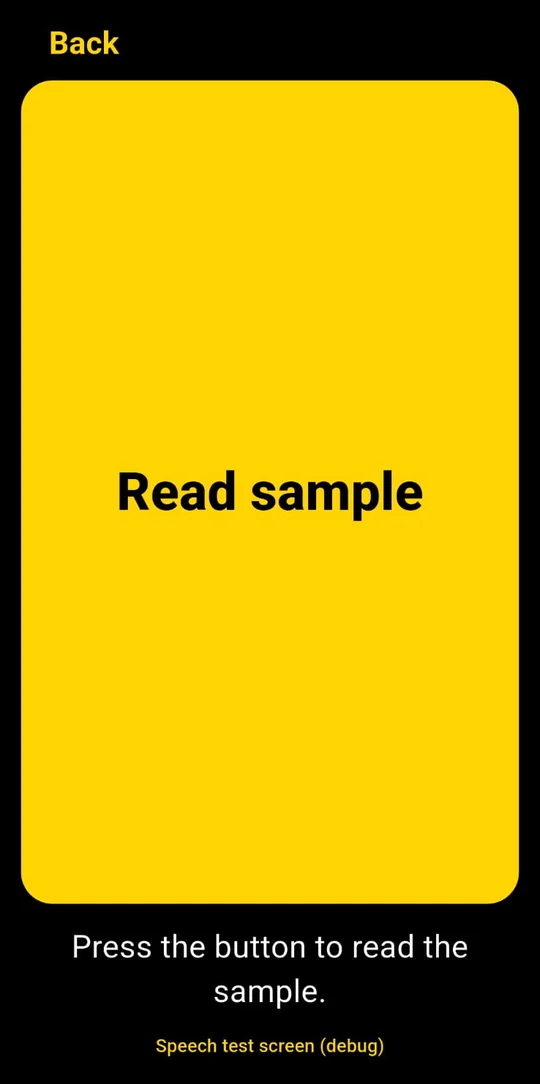
Read: press one button and listen. 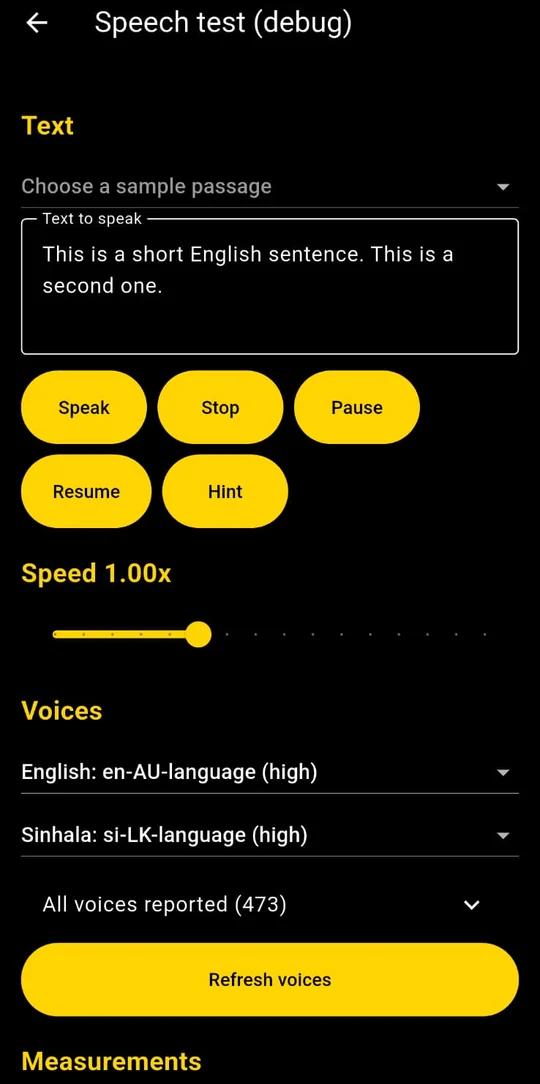
Speech test: speak, pause, change speed. 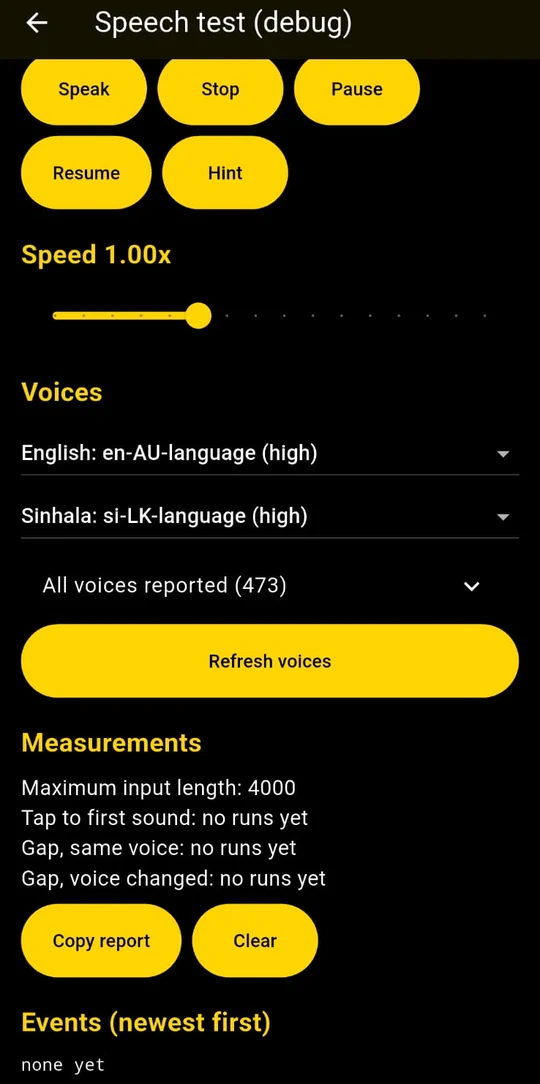
Voices: English and Sinhala. 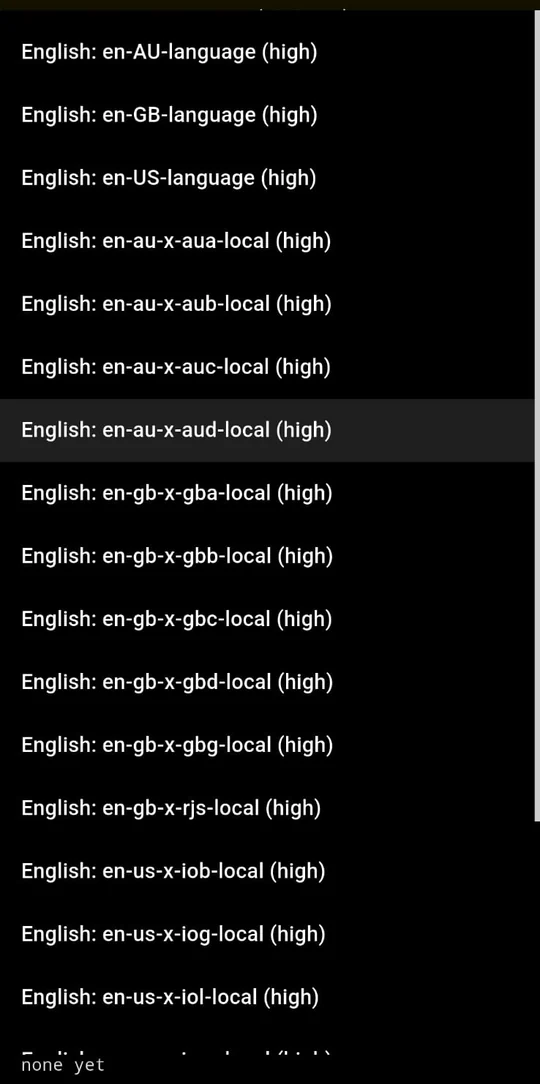
Every voice found on the phone.
Three ways to read
Tabletop station
Needs no laptop or phone.
Planned
Laptop reader
Large text follows the spoken words.
In development
Phone app
Frames pages and finds things by voice.
In development
Voice and languages
Every product works by voice. SWAARA understands and speaks Sinhala and English.
- Sinhala
- English
- “Read this page”
- “Slower, in English”
We ask before using the cloud, give no medical advice and never share audio publicly.
PrivacyThe team
Group CS-01, IIT Sri Lanka with the University of Westminster.
 Pasindu Heshan KavindaProduct Owner / Developer
 Nethuli SellahewaDeveloper, UI / UX and Testing
 Thimithri VidanapathiranaScrum Master / Developer
 Vaitheesvaran AgastiganDeveloper, OCR
 Zayan AhamedDeveloper, TTS and Hardware
Join the waitlist
3 people are waiting for SWAARA
Get updates when SWAARA is ready to try. Your email is used for nothing else.
Contact us
Write to teamswara.reads@gmail.com, or use the contact form.
We use your details only to reply. Read our privacy notice.
Follow us