
About SWAARA
The problem we are solving, how SWAARA speaks and listens, the phone app screens and the people building it.
Reading a page starts with a good photo. That is the hard part without sight.
Most phone tools ask you to hold a camera over the page, find its edges and keep still. Without sight, that is where reading fails, long before any text is recognised.
In one published study (Hong and Kacorri, 2024), 9 of 12 blind and low-vision participants found photo framing challenging (arXiv 2408.03303).
Reference: Jonggi Hong and Hernisa Kacorri. 2024. Understanding How Blind Users Handle Object Recognition Errors: Strategies and Challenges. arXiv:2408.03303.
The phone app: Read, Ask, Find
Illustrative mockups of the planned Android app, built with Flutter. Everything is also spoken aloud.
Read a page
Spoken hints guide the framing. No aiming by sight.
Ask by voice
Questions and summaries about what was read.
Find an object
Say what you are looking for, sweep the room, follow the beeps.
Everything works by voice. No touching needed.
- “Read this page”
- “Summarise the chapter”
- “Find my bottle”
- “Slower, in English”
Press-to-talk comes first. A hands-free wake word is added later, detected on the device itself.
Honest-answer rules
- It answers only from pages it has read.
- It says so when it is unsure.
- It gives no medical advice, and reads medicine labels exactly as printed.
- A physical mute switch turns the microphone off.
Sinhala and English, from the start
Reading, speech recognition and spoken output work in both languages. The original text is always available. Translation is optional and announced.
When you read a page
- Printed pageSinhala or English
- Text recognitionPage becomes text
- Original textAlways kept
- TranslationOnly if you ask, announced aloud
- VoiceYour voice, speed and pauses
When you ask a question
- Your voiceSinhala or English
- Speech to textYour words as text
- Answer from pages readNever from guesses
- VoiceSpoken back to you
Sinhala on real photographed pages is the hardest part. We are comparing text-recognition and voice services on real pages in both languages, and we will publish what we find. SWAARA reads printed text; handwriting is not supported.
The team
Group CS-01, Software Development Group Project, IIT Sri Lanka and the University of Westminster.
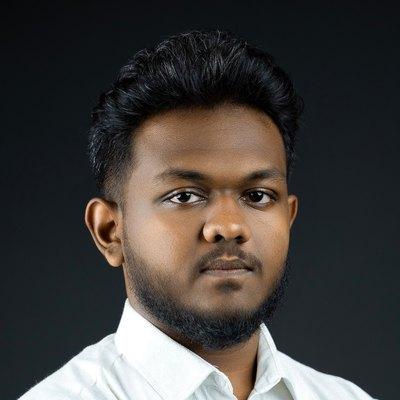 Pasindu Heshan KavindaProduct Owner / Developer
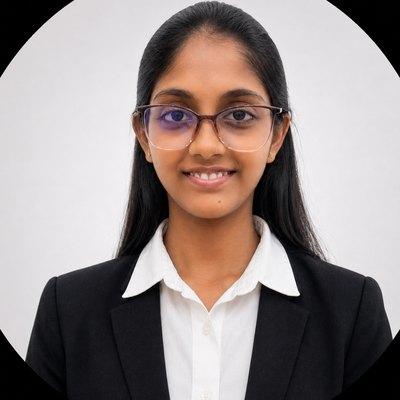 Nethuli SellahewaDeveloper, UI / UX and Testing
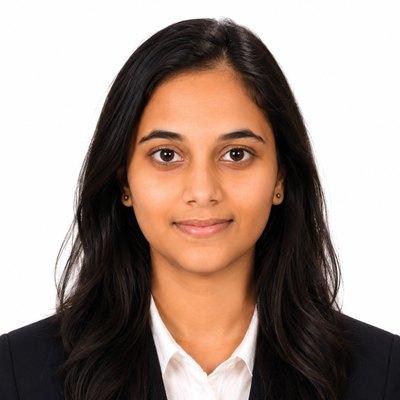 Thimithri VidanapathiranaScrum Master / Developer
 Vaitheesvaran AgastiganDeveloper, OCR
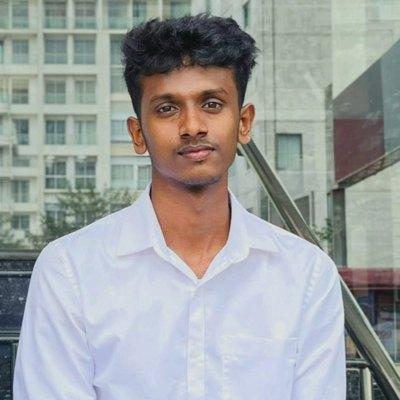 Zayan AhamedDeveloper, TTS and Hardware
Follow us